
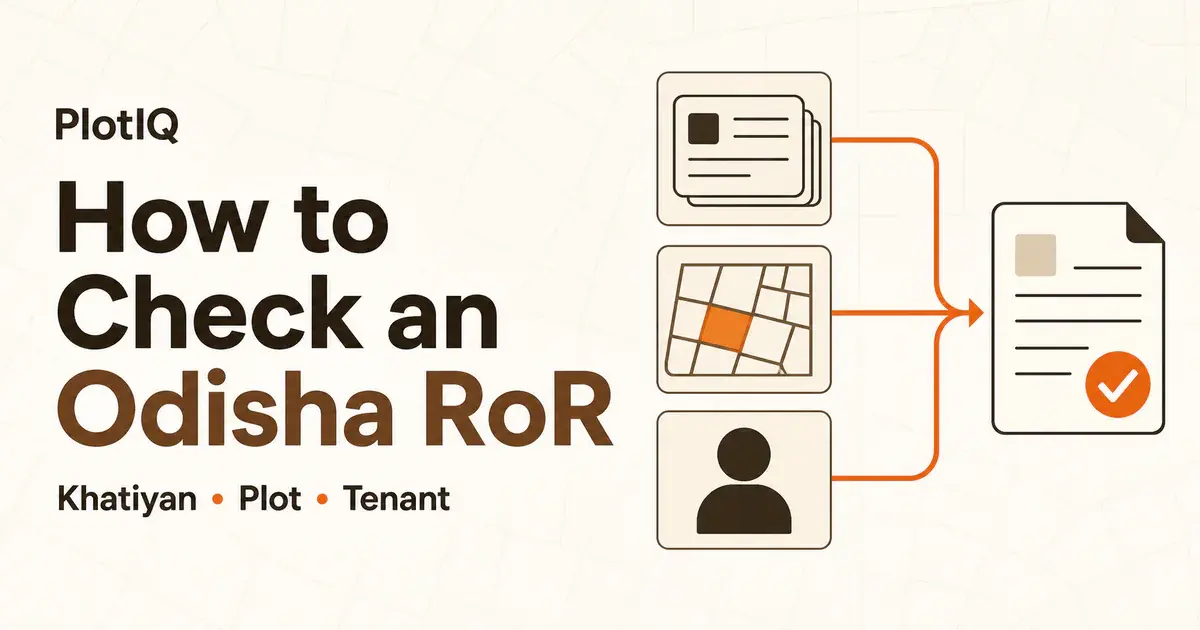
To check an Odisha land record on Bhulekh, select its district, Tahasil and village, choose a Khatiyan number, plot number or recorded tenant name, then select View RoR. You need the correct village even when you already know the number or name.
What you need
Have the district, Tahasil and revenue village (Mouza) ready, plus one identifier:
| What you know | Search option |
|---|---|
| Khata or Khatiyan number | Khatiyan |
| Plot number | Plot |
| Recorded person's name | Tenant |
An earlier RoR or sale deed can help you find the numbers. The official Odisha model sale deed lists Khata and plot numbers separately. Copy the number exactly, including any subdivision shown.
Select the location
- Open Bhulekh Odisha. If a timeout page appears, click its “here” link to start another session.
- In Select Location for RoR, choose the District, then Tahasil, then Village. Wait for each list to load before continuing.
- Choose one of the search methods below. Khatiyan is selected by default after the village loads, as described in the official user manual.
Search by Khatiyan, plot or name
By Khata or Khatiyan number
Keep Khatiyan selected. Open Select Khatiyan, choose the number from your document, then select View RoR.
By plot number
Select Plot, choose the number from Select Plot No, then select View RoR. Check that the expected plot appears under the returned Khata/Khatiyan.
By recorded name
Select Tenant, choose the recorded name, then select View RoR. If several entries look similar, compare their record numbers and plot details. A name match alone is not enough to identify the right land.
Check the result
Before saving, match these details with your document:
- district, Tahasil and village;
- Khata/Khatiyan number and all recorded names;
- plot number, area and Kisam (land classification).
The Bhulekh FAQ places tenant, rent and cess details on the RoR front page and plot details on the back page. Check both. For unfamiliar fields, read the Odisha land-record glossary.
If something goes wrong
- Session timed out: use the page's “here” link and select the location again. Avoid rapid repeated clicks and browser Back/Forward/Refresh during the lookup.
- Village, number or name missing: check the location and spelling against your document. Try the Khatiyan or plot number if a name search is unclear. For an unresolved mismatch, use Contact Us on Bhulekh to find the concerned Tahasil.
- RoR and deed differ: keep both documents and ask the Tahasil about the entry. Repeating a search will not resolve a pending mutation or correction.
Print the record or open its map
Use the RoR's Print option for a reference copy. Ask the receiving office whether it needs a certified copy. Use Map View or BhuNaksha Odisha for the separate cadastral map.
An online RoR alone is not a complete ownership check. See what an Odisha RoR shows and its limits. Share only the record details the recipient needs.
PlotIQ is independent and cannot certify or change a government record.